
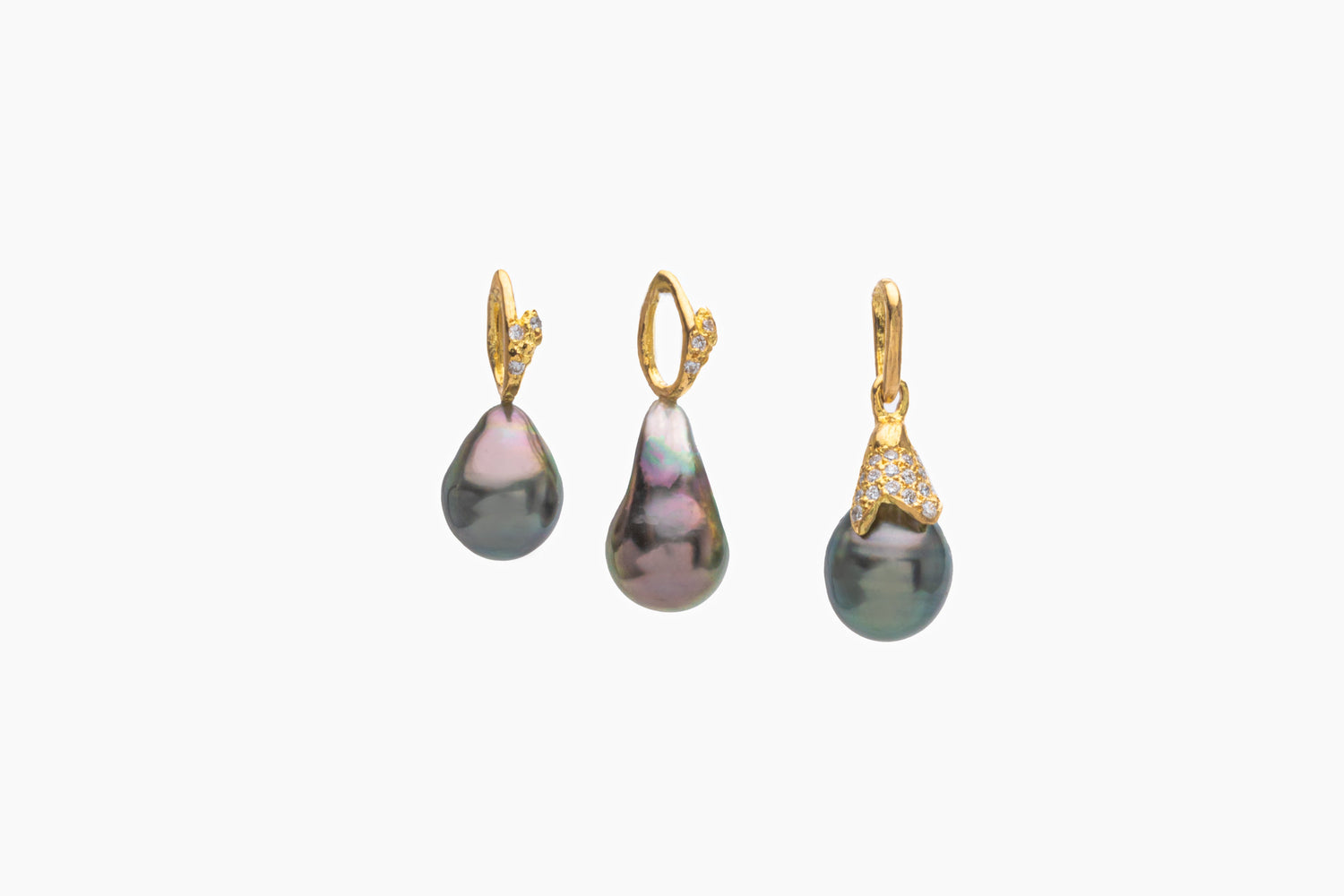
If you've ever tried to use the same product photos for your Amazon listing and your Shopify store, you already know the headache. What flies on one platform gets flagged or just looks plain wrong on the other. I've shot product photography for sellers across both platforms for years now, and one of the most common questions I get is "can't I just use the same images everywhere?"
Short answer: not really. Longer answer: let's break down why, and what you actually need for each.
Amazon Is a Rulebook. Shopify Is a Blank Canvas.
Amazon runs a tight ship. They have strict, published image requirements, and if you don't follow them, your listing can get suppressed or rejected outright. Shopify, on the other hand, is your own store. You make the rules. That freedom is great, but it also means a lot of sellers don't know what "good" even looks like without some direction.
Amazon's Main Image Requirements
Your main image (the one people see in search results) has to be on a pure white background, RGB 255,255,255. No props, no text, no watermarks, no lifestyle shots. Just your product, filling 85% or more of the frame, shot straight on. Amazon is strict about this because they want a consistent shopping experience across millions of listings.
For your secondary images, you get more room to breathe. This is where you can add:
- Lifestyle shots showing the product in use
- Infographics highlighting features or dimensions
- Close-ups of materials, textures, or details
- Size comparisons or scale references
- Packaging shots if that matters to buyers
Amazon also wants images at least 1000 pixels on the longest side (this triggers the zoom feature people love using), and they recommend at least 1600px for the best quality. Anything under 500px isn't even allowed.
Shopify's Requirements (Or Lack Thereof)
Shopify doesn't police your images the way Amazon does. Technically, you could upload a blurry photo of your product on your kitchen counter and it would go live no problem. But just because you can doesn't mean you should.
On Shopify, your brand IS the product. People aren't scrolling through a search results page comparing you against fifty competitors on a level playing field. They landed on your site because of an ad, a search, or word of mouth, and now they're deciding whether to trust you. Your photography needs to do a lot more emotional heavy lifting here.
That means:
- Lifestyle and context shots front and center, not tucked away as secondary images
- Consistent styling that matches your brand's vibe, whether that's minimalist, moody, colorful, whatever
- Video or 360-degree views if you can swing it, since Shopify supports these natively
- Higher-res hero images since your homepage and product pages often display images much larger than Amazon's grid layout
The Real Difference: Compliance vs. Conversion
Here's how I explain it to clients. Amazon photography is about compliance first, conversion second. You need to check the boxes Amazon requires, and within those boundaries, you optimize to get clicks and sales. Shopify photography is pure conversion. There's no rulebook to satisfy, so every image has one job: make someone want to buy.
This is also why I almost never recommend shooting once and reusing everywhere. A proper shoot plans for both from the start: pure white background shots for Amazon compliance, plus lifestyle, detail, and brand-driven shots for Shopify and everywhere else you sell.
What This Means for Your Shoot
If you're selling on both platforms, budget for a shoot that covers:
- Clean white background images (main + a few angle shots) for Amazon
- Lifestyle and in-use shots that tell a story
- Detail and texture close-ups
- Infographic-ready shots with clean negative space for text overlays
- At least one video or motion clip if you can
Doing this in one session saves you money and keeps your product looking consistent across every channel, which matters more than people realize. Customers do compare, even subconsciously.
FAQ
Can I use my Amazon main image on Shopify too?
You can, but you probably shouldn't as your hero image. A plain white background photo works fine as a supporting image on Shopify, but your homepage and product pages will convert better with lifestyle or branded shots leading the way.
Does Amazon really reject images that don't meet spec?
Yes. Amazon's system can suppress listings or refuse to publish images that don't meet the background, sizing, or content rules. It's not just a suggestion.
What image size should I aim for on both platforms?
For Amazon, 1600px minimum on the longest side is a safe target. For Shopify, it depends on your theme, but 2000px+ gives you flexibility for zoom features and larger hero banners without pixelation.
Do I need a professional photographer, or can I DIY it?
You can DIY basic Amazon compliance shots with a lightbox and decent lighting. But for lifestyle, brand storytelling, and anything meant to build trust on Shopify, professional photography almost always pays for itself in conversion rate.
How many images do I actually need per product?
Amazon allows up to 9 images (7 without brand registry in some categories). For Shopify, there's no hard limit, but 5 to 8 well-planned images covering different angles, context, and details is a solid baseline.


Leave a comment
This site is protected by hCaptcha and the hCaptcha Privacy Policy and Terms of Service apply.